Secure mobile banking apps against cloning, fraud and runtime attack
Your banking app runs on millions of devices you do not control, next to malware you cannot see. SecIron hardens the app itself, detects attacks while it runs and gives your fraud and security teams the visibility regulators now expect.
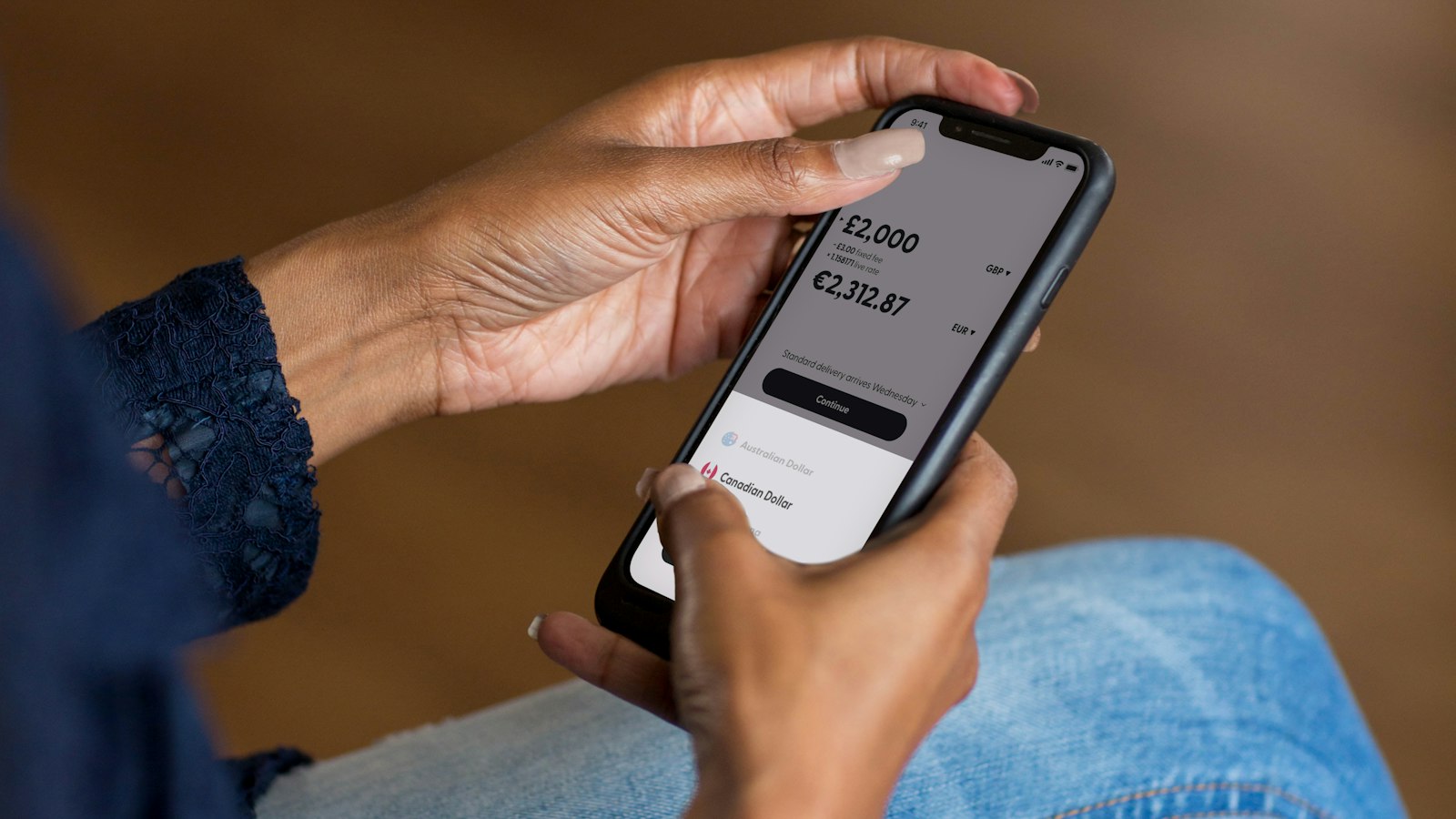
The attack happens on a phone you will never see
Every customer handset is an environment you do not control: unknown apps installed next to yours, unpatched OS versions, root tools and accessibility services that can read the screen.
SecIron treats the app itself as the perimeter. The protection is built into the release, so it travels with the app onto every device, and every attempt against it is reported back to your fraud team with the device, region and method.
Where mobile banking fraud actually starts
Most mobile banking losses no longer come from breaking the bank. They come from attackers studying, copying or manipulating the app on the customer’s own phone.
Cloned and repackaged apps
A decompiled copy of your app, re-signed and pushed through third-party stores or phishing links, harvesting logins and OTPs from your own customers.
Overlay and screen-capture malware
Banking trojans draw a fake login over the real one, read the screen or record keystrokes to take over the account.
Hooking and instrumentation
Frida, Xposed and similar tools modify app behaviour at runtime to bypass biometric checks, transaction limits and device binding.
Rooted, jailbroken and emulated devices
A compromised environment removes every platform protection the app relies on, and is the normal starting point for fraud automation.
API abuse and pinning bypass
Once certificate pinning is stripped, traffic can be intercepted, replayed and scripted against your core banking APIs.
Regulatory exposure
BNM RMiT, MAS TRM and similar rules now expect banks to demonstrate control of the mobile channel, not just the perimeter.
Protection at every stage of the app lifecycle
One platform, three stages. Each can be used alone, but banks that run all three close the gap between finding a weakness and knowing it is being exploited.
Assess with IronSCAN
Automated static and dynamic analysis of every build against OWASP, CVE and CWE standards, with remediation guidance for each finding.
- Insecure storage of credentials and tokens
- Weak or missing certificate pinning
- Exported components and debug leftovers
Harden with IronWALL
Codeless hardening of the compiled APK, AAB or IPA in minutes, with no source code access and no change to your release process.
- Obfuscation, encryption and integrity checks
- Anti-tampering, anti-debugging and anti-hooking
- Root, jailbreak, emulator and overlay detection
Monitor with IronSKY
Real-time visibility of attacks against your app across devices, regions and methods, with policy-driven responses your fraud team controls.
- Cloned-app and tampering alerts
- Device risk signals for transaction decisions
- Evidence for regulators and incident response
How teams like yours protect their apps with SecIron
See how an international bank protected its mobile banking app against cloning and tampering, without changing a line of source code.

 International bankCase study · BankingHow SecIron helped an international bank meet its mobile security mandatesA central regulatory mandate required every banking app to be protected, within weeks. IronWALL was deployed on-premise for iOS and Android, with no SDK and no source code changes, so the bank could harden its app without slowing a single release.2 weeksto the first protected appMinutesto harden every update0source code changesRead the case study
What changes once the app is protected
| Attack | Before SecIron | With SecIron |
|---|---|---|
| Cloned app in circulation | Discovered when customers report losses, often weeks later | Integrity check fails on first launch; the clone cannot run and the attempt is reported to IronSKY |
| Overlay trojan on customer device | Credentials captured; account takeover follows | Overlay and accessibility abuse detected; the app can warn the user or block the sensitive screen |
| Frida hooking to bypass biometrics | Transaction limits and device binding silently defeated | Instrumentation detected at runtime; session terminated and device flagged for the fraud team |
| Pinning stripped for API replay | Core banking APIs scripted from outside the app | Hardened pinning and anti-tampering make the app the only trusted client |
| Regulator asks for evidence | Point-in-time pen-test report | Continuous attack telemetry by device, region and method, plus IronSCAN assessment reports |
Frequently asked
Will hardening slow down our banking app or affect the user experience?
Modern hardening is designed to provide strong security with minimal impact on performance. Implemented correctly, users experience little to no noticeable difference in launch time or responsiveness.
Do our developers need to change code?
No. IronWALL protection is codeless: you upload the compiled build, select the protection modules and receive a hardened build. There is no SDK to wire in and no source code access required.
Can SecIron run inside our own data centre?
Yes. SecIron can be deployed on-premise or in a private cloud for banks that cannot send application binaries or telemetry outside their own environment.
How does this fit with our existing fraud and SIEM tools?
IronSKY exposes attack and device-risk events that can feed your fraud engine and SIEM, so a flagged device can influence transaction decisions and investigations in the tools your teams already use.
Does SecIron protect Flutter and React Native apps?
Yes. SecIron protects native Android and iOS apps as well as Flutter, React Native, HarmonyOS and HarmonyOS Next, because protection is applied to the compiled app rather than the source.
Resources for mobile banking teams
Guides, research and practical checklists from the SecIron team.
 BlogHow fraudsters clone banking apps and how to catch them in secondsHow attackers copy and repackage banking apps, and how integrity checks expose a clone the moment it launches.Read the article →
 BlogA compliance officer’s guide to BNM RMiT and Asia’s mobile banking rulesWhat regulators such as Bank Negara Malaysia expect from the mobile channel, and how to show your controls are in place.Read the article →
 BlogTop mobile app security threats and how to mitigate risks in mobile bankingThe main threats facing mobile banking apps today and practical steps to reduce the risk of each.Read the article →
Browse all blog posts, success stories and whitepapers and guides.
See it on your own app
Send us a build and we will harden it live, so your security and fraud teams can judge the protection and the performance impact before you decide.
End-to-end mobile application security. Assess, harden and monitor Android and iOS apps with codeless integration.
