Mobile threat defence that lives inside your app
Traditional mobile threat defence protects devices your organisation manages. SecIron brings continuous detection and response to the app itself, on every device it runs on, with nothing for the user to install.
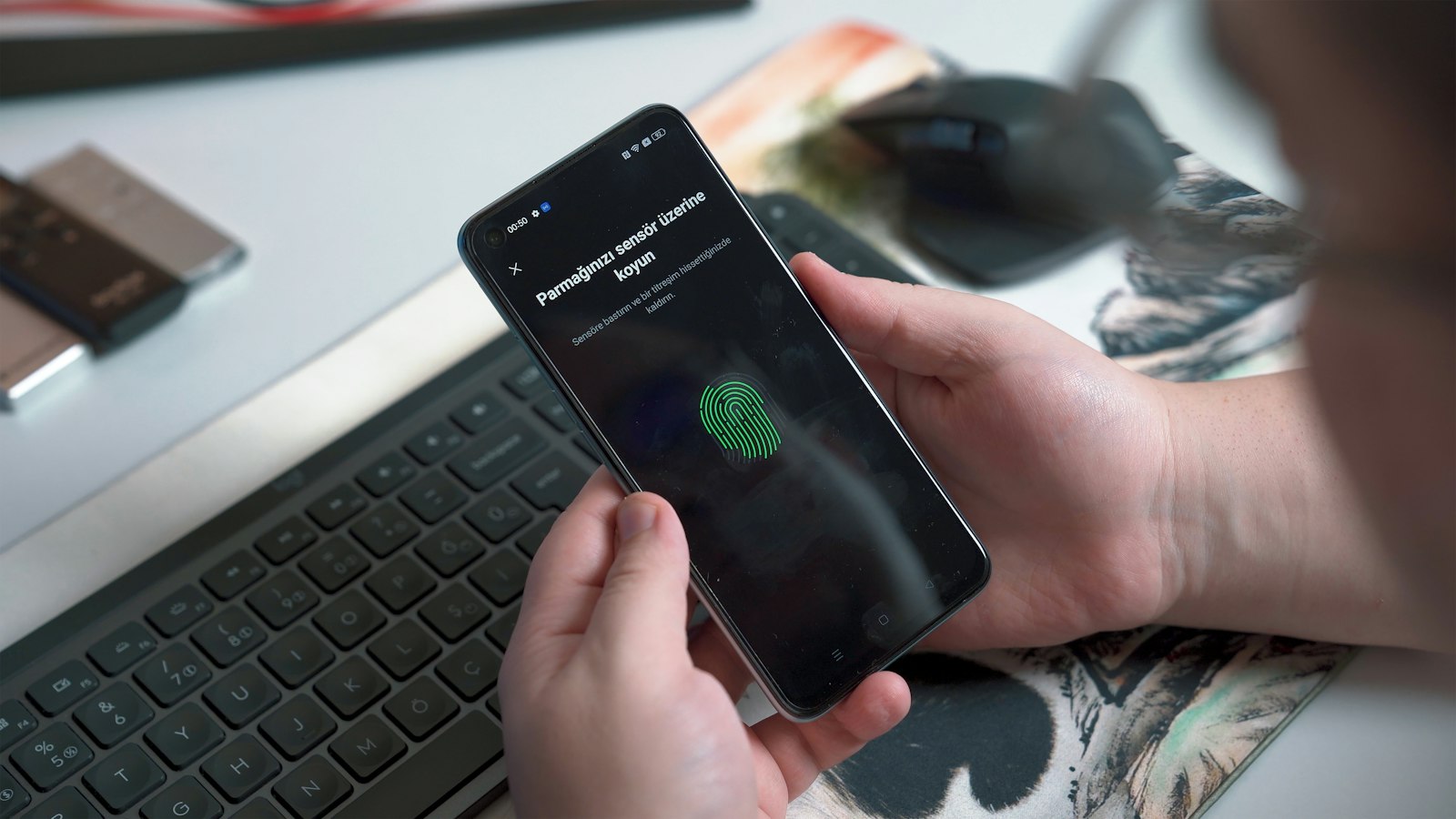
Defence that lives inside the app, not on the device
You cannot install an agent on your customers’ phones. The only security you control is the security you ship inside the app itself.
Behaviour-based detection in the hardened build spots root, hooking, emulators and overlays as they happen, and the response policy you set decides what the app does next: warn, restrict or exit.
Threats that reach your app in the field
After release, your app faces a hostile environment you cannot audit: rooted devices, malware, instrumentation tools and networks you do not control.
Rooted, jailbroken and emulated devices
Platform protections removed; the normal starting point for fraud tooling.
Instrumentation frameworks
Frida, Xposed and similar tools modifying behaviour while the app runs.
Overlay and accessibility abuse
Malware drawing over your screens or driving the UI through accessibility services.
Hostile networks
Interception on compromised Wi-Fi and proxies with injected certificates.
Tampered and cloned builds
Modified copies of your app in circulation.
Blind spots
No record of what happened on the device when a customer reports fraud.
Detect, decide and respond in the app
Protection detects the condition, policy decides the response and IronSKY records it, so security and fraud teams act on evidence rather than guesswork.
Assess with IronSCAN
Start from a build with no self-inflicted weaknesses.
- Insecure storage and logging
- Weak pinning and exported components
- Findings mapped to OWASP
Harden with IronWALL
Runtime detection compiled into the app.
- Root, jailbreak, emulator and debugger detection
- Hooking, overlay and screen-capture detection
- Response actions: log, warn, degrade or terminate
Monitor with IronSKY
Central visibility and policy control.
- Attacks by device, region, method and app version
- Response policies tuned per threat
- Signals for fraud engines and SIEM
How teams like yours protect their apps with SecIron
See how an international bank detects rooting, hooking and injection on every customer device, even offline.

 International bankCase study · BankingHow SecIron helped an international bank meet its mobile security mandatesA central regulatory mandate required every banking app to be protected, within weeks. IronWALL was deployed on-premise for iOS and Android, with no SDK and no source code changes, so the bank could harden its app without slowing a single release.2 weeksto the first protected appMinutesto harden every update0source code changesRead the case study
What changes once the app is protected
| Scenario | Before SecIron | With SecIron |
|---|---|---|
| Customer on a rooted phone with Frida attached | Biometric and limit checks silently bypassed | Instrumentation detected; session terminated and device flagged |
| Overlay trojan on a customer device | Credentials captured | Overlay detected; sensitive screen blocked or user warned |
| Proxy with injected certificate | Traffic read in transit | Hardened pinning holds; attempt reported |
| Fraud team investigates a disputed transaction | No device context | IronSKY shows device state and attack history for that session |
| New threat technique appears | Wait for next release | Behaviour-based detection and policy updates without an app update |
Frequently asked
How is this different from MDM-based mobile threat defence?
MDM and device-centric MTD secure devices your organisation enrols. In-app defence secures the application on any device, including customer devices you will never control. For consumer-facing apps it is the only control that travels with the app.
What happens when an attack is detected?
You decide. Responses range from logging the event, to warning the user, to degrading or terminating the session, and can differ by threat type. Every event is reported to IronSKY.
Will protection affect app performance?
Modern hardening is designed to provide strong security with minimal impact on performance. Implemented correctly, users experience little to no noticeable difference in launch time or responsiveness.
Does this work for Flutter and React Native apps?
Yes. SecIron protects native Android and iOS apps as well as Flutter, React Native, HarmonyOS and HarmonyOS Next, because protection is applied to the compiled app rather than the source.
Resources on mobile threat defence
Guides, research and practical checklists from the SecIron team.
 BlogProtecting mobile apps with a strong threat detection solutionRead the article →
 Blog10 signs that your mobile device is compromisedRead the article →
 GuideProtecting mobile apps against malware: a 16-page guideRead the article →
Browse all blog posts, success stories and whitepapers and guides.
See it on your own app
Send us a build and we will harden it live, so your team can judge the protection and the performance impact before you decide.
End-to-end mobile application security. Assess, harden and monitor Android and iOS apps with codeless integration.
