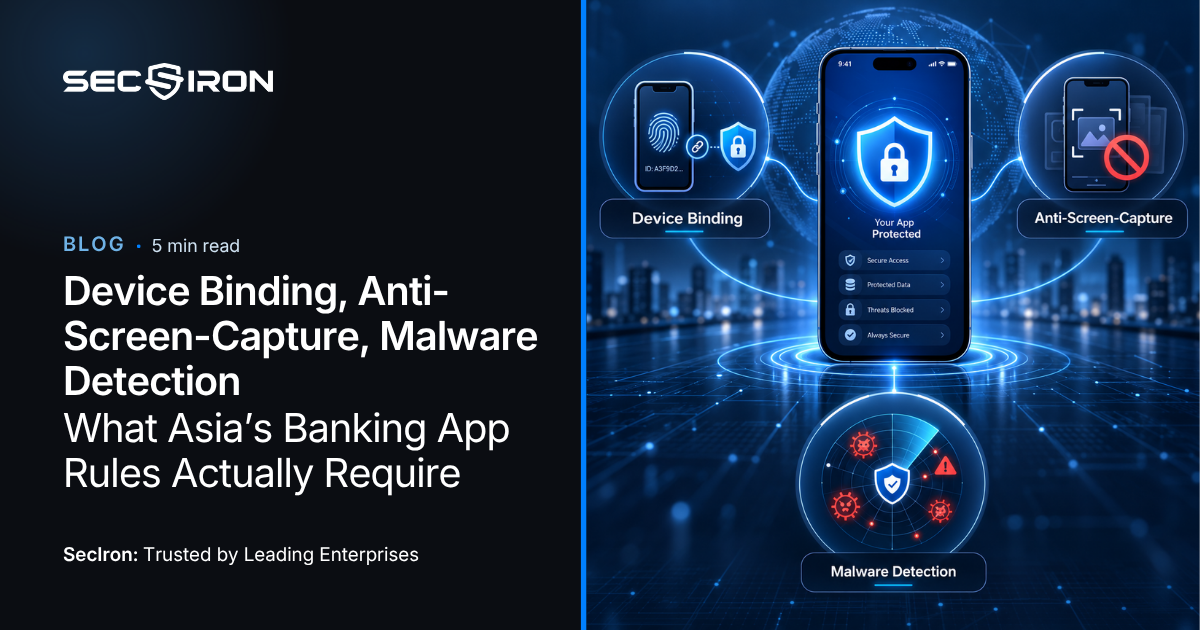
Device binding, anti-screen-capture and malware detection are the three mobile application controls Asia’s banking regulators have converged on. The instruments differ, the wording differs, and the paragraph numbering differs, but read BNM’s RMiT, the MAS Technology Risk Management Guidelines, HKMA supervisory guidance and the BSP circulars side by side and the same requirements appear in every one.
This guide sets out what those controls mean in practice, what an examiner asks to see, and where compliance teams most often discover a gap.
Why These Three Controls Keep Appearing
They are not arbitrary. Each one closes a specific attack that regulators have watched succeed against banks in their own jurisdiction.
Device binding answers account takeover from an unfamiliar device. Anti-screen-capture answers the screen recording and live streaming capability now standard in banking trojans. Malware detection answers everything that arrives once the device itself is compromised, which is the category regulators have moved on most aggressively since 2024.
Device Binding: What Regulators Expect
What it means. Device binding ties the app cryptographically to a specific handset, so that credentials stolen from one customer cannot be used to operate the account from another device. A registered device becomes a factor in its own right.
What examiners ask. How the device binding identifier is generated, where it is stored, and what happens when a customer changes phones. That last question matters more than the first two, because the re-binding flow is where most implementations weaken. If a customer can re-bind using only an SMS code, device binding has been reduced to the strength of an SMS code.
Where it goes wrong. Binding identifiers stored in application storage rather than platform key storage, which means they can be extracted and replayed. On Android, the Keystore. On iOS, the Secure Enclave. Anything else is a value an attacker can read.
Anti-Screen-Capture
What it means. The app prevents screenshots, screen recording and screen sharing on sensitive views: balances, statements, transfers, one-time password entry.
Why regulators now specify it. Screen capture and live streaming are standard modules in current banking trojan families. Published analyses of families such as TrickMo describe phishing overlays, keylogging, screen recording, live screen streaming and one-time password interception in a single package. Screen capture is also the mechanism behind remote support scams, where a customer is talked into sharing their screen with someone claiming to be from the bank.
What examiners ask. Which specific screens are protected, and how the app behaves when capture is attempted. A control that blocks screenshots but permits an active screen share session is a partial answer.
Where it goes wrong. Protection applied to the login screen only. The credential is rarely the target. The transfer confirmation screen and the OTP entry field are.
Malware and Compromised Environment Detection
This is the broadest requirement and the one where implementations vary most. In regulatory language it usually appears as a requirement to detect rooted or jailbroken devices, but supervisors increasingly expect more than a root check.
Rooted or jailbroken OS
Removes the platform sandbox the app relies on.
Weak version: a single check at launch, easily patched out.
Emulators
Used for automated fraud at scale.
Weak version: detection based only on known emulator names.
Hooking and injection frameworks
The mechanism behind most runtime tampering.
Weak version: not checked at all, which is common.
Attached debuggers
Live analysis of a running session.
Weak version: detected but not acted on.
Malicious accessibility services
Grants an attacker the ability to read and drive your app.
Weak version: treated as a permission question rather than a threat signal.
Overlay windows
Credential capture over your own login screen.
Weak version: out of scope entirely in many deployments.
The Requirement Behind Device Binding and the Rest
Every one of these controls carries an unstated second requirement, and it is the one that decides examinations.
RMiT, MAS TRM and DORA all expect security events to be logged, retained and available for review. In practice this means your team should be able to answer three questions on request: what was detected, what the app did about it, and which build was running at the time.
Four Findings That Recur
1Detection without response. The most common finding by a wide margin. Usually introduced deliberately during rollout to avoid support tickets, then never revisited.
2Protection that drifted out of a release. Hardening applied manually at launch, skipped on a later build because the step lived in someone’s checklist rather than in CI/CD.
3Credentials removed but not revoked. A secret stripped from the current version while the previous version remains downloadable and the key remains live.
4No evidence trail. The controls are present and working, but the institution cannot produce a dated record showing which policy was applied to which build.
How SecIron Delivers Device Binding and These Controls
 The controls themselves
IronWall applies device binding, anti-screen-capture, secure keyboard input, and runtime detection covering root, jailbreak, emulators, hooking, injection, debuggers and malicious accessibility services. Response policy is set per threat and per app by you, not by vendor default, which is what makes a severity-based policy possible rather than an all-or-nothing switch.
It applies to the compiled binary in your build process, so the control cannot drift out of a release. Explore IronWall
 The evidence
IronSky logs every detection the second it happens with attack source tracing and device fingerprinting, across the whole portfolio, exportable for audit. This is the control family most institutions can describe and fewest can demonstrate.
Conclusion
Device binding, anti-screen-capture and malware detection are not three separate projects. They are three outputs of a single decision to assume the device is hostile and to give the app the ability to act on what it observes.
Institutions that automate the control and the record together stop preparing for examinations, because the evidence is produced as a by-product of shipping.
Ready to meet your banking standards?
Talk to us about what your regulator expects of your mobile app, and what evidence you would need to produce tomorrow. We will map your current release against these control families and show you what hardening changes, with no source code changes required to find out.


