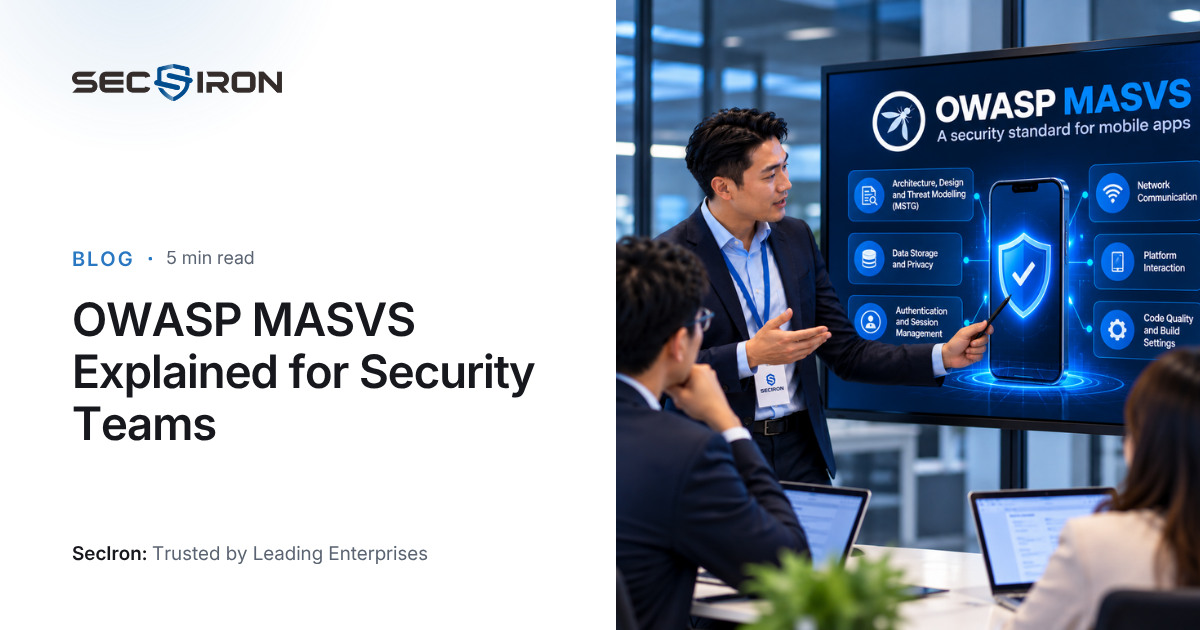
OWASP MASVS Explained for Security Teams
OWASP MASVS, the Mobile Application Security Verification Standard, is the closest thing the industry has to a neutral definition of what a secure mobile app looks like. It is referenced in procurement documents, cited in regulatory guidance, and used as the structure for most credible mobile assessments.
It is also frequently invoked by people who have not read it. This is a practical explanation of what OWASP MASVS covers, how it is structured, and how to use it without turning it into a paperwork exercise.
OWASP MASVS and MASTG: Two Documents
They are often confused, and the distinction is simple.
OWASP MASVS is the standard. It states what a secure mobile app should do, organised into control groups. It is deliberately technology-neutral and does not tell you how to test.
MASTG, the Mobile Application Security Testing Guide, is the companion. It describes how to verify each requirement on Android and iOS, with specific techniques.
The practical relationship: MASVS is what you put in a policy or an RFP, MASTG is what your tester works from.
The OWASP MASVS Control Groups
Storage
How sensitive data is stored on the device, and what is kept out of logs, backups and screenshots.
Cryptography
Correct use of cryptographic primitives and, more often the problem, key management.
Authentication
Session handling, biometric use, and where authentication decisions are actually enforced.
Network
Transport security and endpoint identity verification, including certificate pinning.
Platform
Safe use of OS features: permissions, inter-app communication and WebViews.
Code
Build configuration, dependency hygiene and general code quality.
Resilience
Whether the app can defend itself on a compromised device: anti-tampering, obfuscation, reverse engineering resistance and environment detection.
Privacy
What data the app collects, why, and what the user is told.
The OWASP MASVS Group That Changes the Conversation
Seven of those groups describe building the app correctly. One of them, resilience, describes what happens when the app is running somewhere hostile.
This distinction matters when you scope an assessment. A test that covers storage, crypto, network and platform will find real issues and produce a useful report. It will tell you almost nothing about whether your app survives on a rooted device with a hooking framework attached, because that is a different group with different techniques.
OWASP MASVS treats resilience as applicable where the threat model warrants it, which for banking, payments, government identity and anything handling money it clearly does.
How to Actually Use OWASP MASVS
Scope by threat model, not by completeness. Decide which groups apply to this app and at what depth, then say so in writing. A consumer content app and a payments app should not be held to identical resilience requirements.
Put it in your RFP. Asking a vendor which OWASP MASVS groups their testing covers is a sharper question than asking whether they follow OWASP. Everyone follows OWASP. Fewer will tell you their coverage by group.
Automate the repeatable part. Storage, crypto configuration, dependency and build-setting checks are well suited to automated scanning on every build. Reserve manual testing for logic and resilience work, where judgement is required.
Do not let it become a spreadsheet. The failure mode of any standard is a document nobody reads, updated annually. The value is in it running against every release.
OWASP MASVS and Your Regulator
MASVS is not itself a regulation, but it is a useful bridge to one. Regulatory instruments across the region state outcomes rather than techniques: an app should resist tampering, detect compromised environments and protect stored credentials.
OWASP MASVS gives you a recognised vocabulary for demonstrating how those outcomes are met, and a dated report structured by control group is more persuasive to an examiner than an assurance that controls exist.
Where SecIron Fits
 Assessment against OWASP, CVE and CWE
IronScan runs static and dynamic assessment covering the OWASP MASVS groups that automate well: insecure storage, exposed secrets, permission and platform misuse, weak integrity checks and risky third-party libraries. It runs inside CI/CD, so every build produces a dated report with remediation guidance attached to each finding.
 The resilience group, implemented
Resilience is the OWASP MASVS group most teams find hardest to satisfy, because it cannot be fixed by writing better application code. IronWall provides it directly: code protection and obfuscation, anti-tampering and anti-repackaging, and runtime detection of root, jailbreak, emulators, hooking, injection and debuggers, applied to the compiled binary with no source code changes.
Conclusion
OWASP MASVS is most useful as a scoping instrument. It gives you a shared vocabulary with testers, vendors and examiners, and it makes visible the one question most mobile assessments quietly skip: what happens when the device itself is hostile.
Read the resilience group first. It is the shortest route to understanding what your current testing is not covering.
Ready to launch a secure app?
Send us your app and we will assess it and show you the findings by control group, including the resilience work most reports leave out.
Recent Posts

OWASP MASVS Explained for Security Teams
October 22, 2026
Mobile Application Hardening: Build vs Buy
October 18, 2026
Certificate Pinning: Why It Fails and What to Pair It With
October 15, 2026